Zum Hauptinhalt springen
SpoolEase

NFC Powered Spools Inventory Management

SpoolEase manages filament inventory, auto configures AMS slots for any filament brand, tracks remaining weight and storage locations, monitors printers, AMS units and running prints, integrates with all Bambu Lab printers and addons

NFCspool and location workflows
Consoleslot visibility and configuration
Scaledirect weight updates
Web UIinventory, printers, dashboard
Hardware

Two devices for flexible desk arrangement

SpoolEase is built around the Console and the Scale. The Console handles display, NFC workflows, inventory interactions, printer state, and firmware actions. The Scale adds the weight measurements needed for reliable remaining-filament tracking and an extra NFC read/write point.
The separate devices allow for the display to be at eye level and the scale to be at disk height.

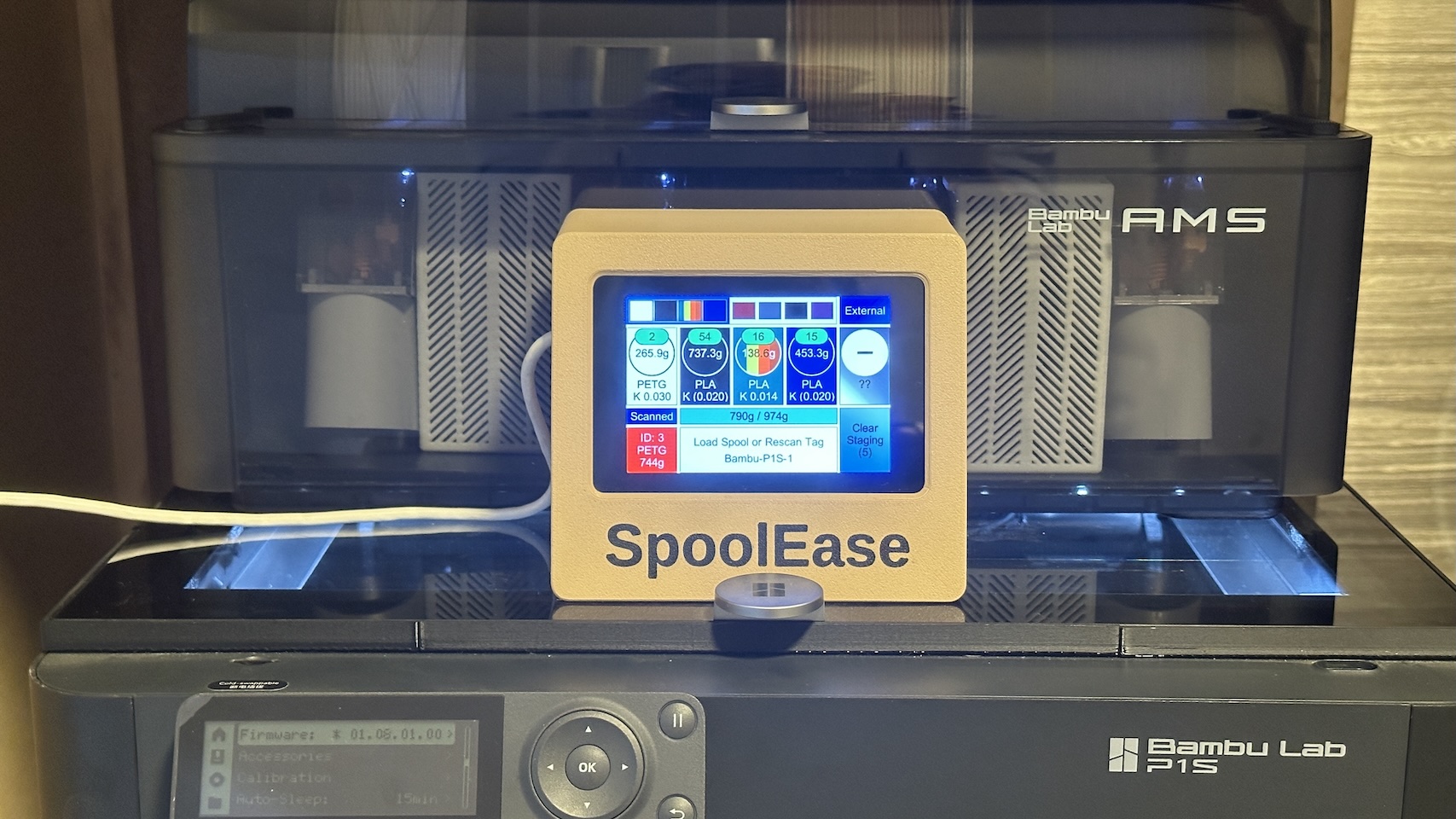
Completed SpoolEase Console device

SpoolEase Console

NFC reader, touch display, printer slot view, staging workflows, configuration, firmware updates an more.
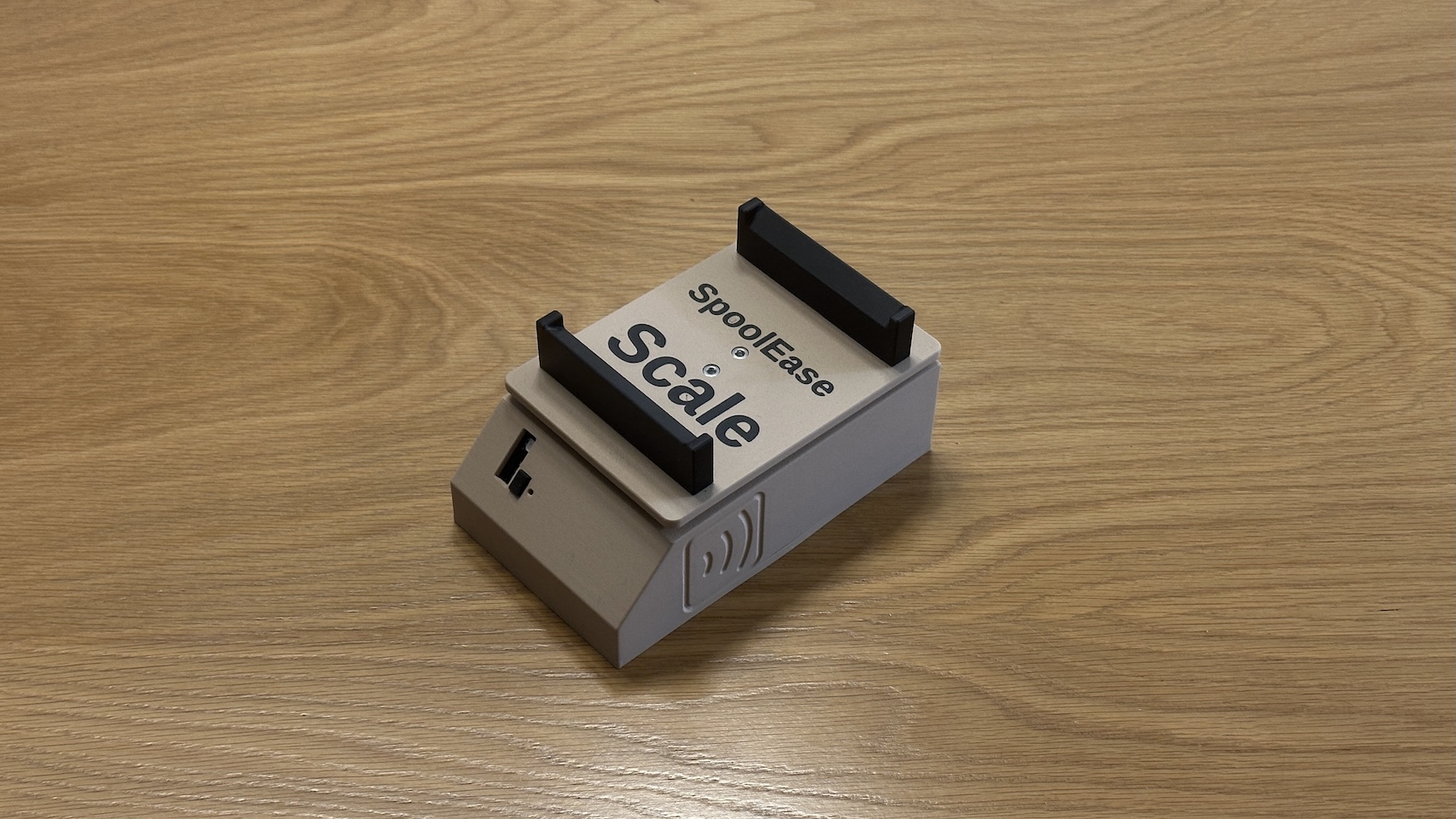
Completed SpoolEase Scale device

SpoolEase Scale

Direct spool weighing with status feedback, synchronized into the Console and inventory workflows with an additional NFC read/write point.

How it works

A practical loop for filament handling

1

Add or import spool records information. Bambu Lab tags supported.

2

Link spools to NFC tags, weight for an accurate baseline, and optionally encode a virtual label to view on mobile.

3

Scan and load to configure AMS and external slots. Bambu Lab spools may be scanned directly by AMS.

4

Unload, one click to baseline accurate weight again, then quickly set storage location to easily find later.

5

Use the web UI to search inventory, monitor printers and prints, and review dashboard to see what is about to run out.

Inventory

Inventory table

Maintain control over your spools inventory

SpoolEase keeps records for your spools, including material, brand, color, slicer filament, weight fields, tag state, location, and printer-related settings. The inventory page is built for actually finding and updating spools as your collection grows.

  • Filter and sort the inventory when you need a specific material, color, brand, or available weight.
  • Track values that matter during printing, including net weight and pressure advance settings.
  • Use stock records when you buy several identical unused spools and split them when one starts being used.
NFC and printer slots

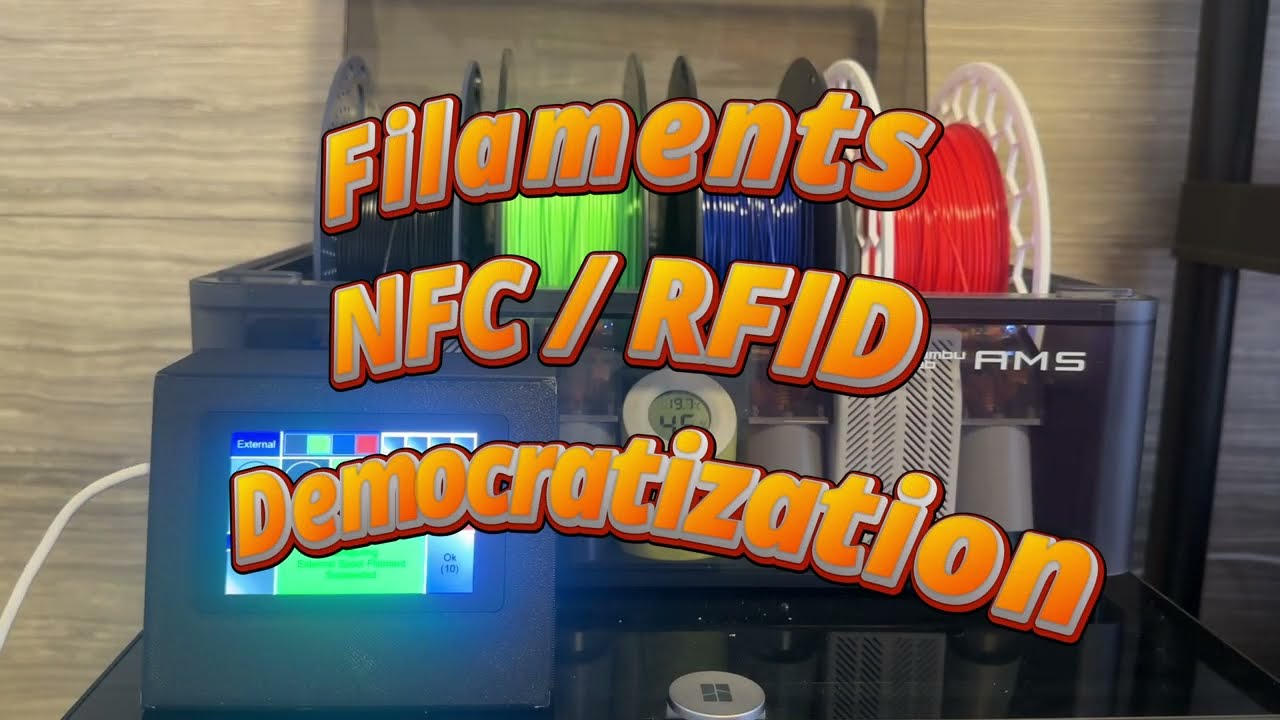
Console workflow video

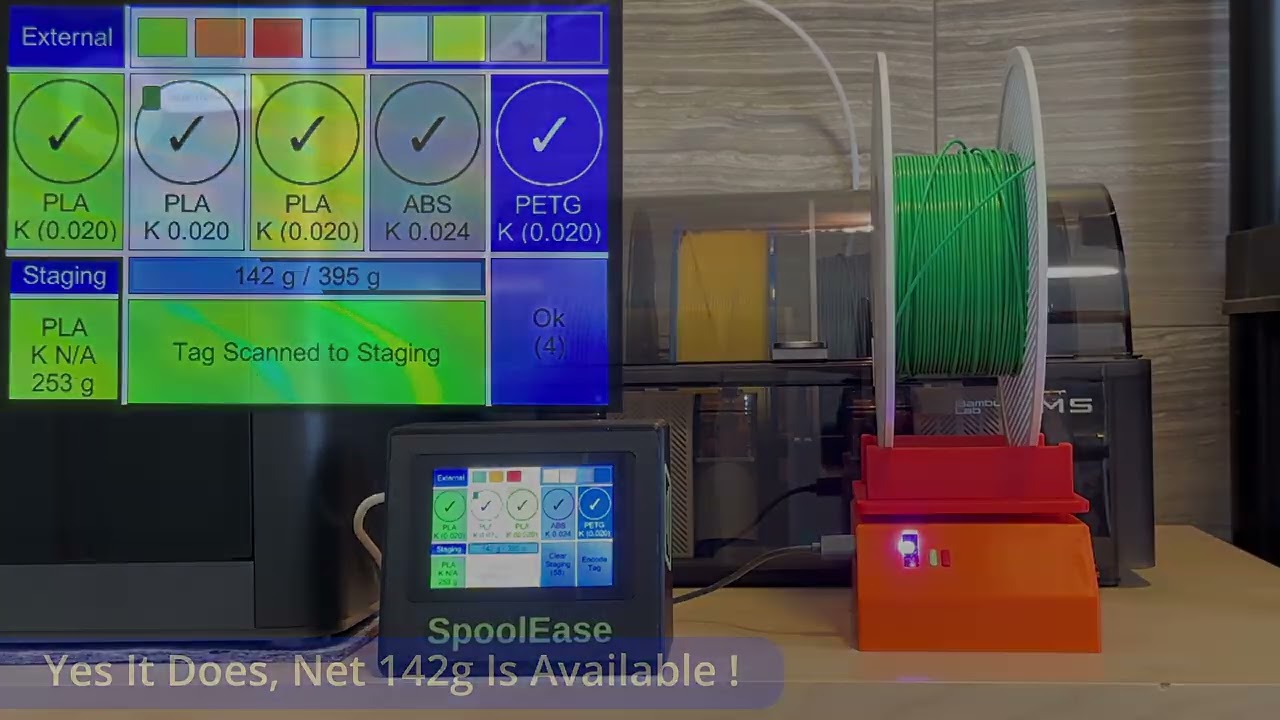
Automatically configure AMS slots

A tagged spool can be loaded into staging by scanning it on the Console. When placing that spool into an AMS slot SpoolEase configures the slot from the spool information instead of the manual error prone configuration in the slicer.

  • Staging keeps the scanned spool ready while you move it into the printer or choose a manual slot action.
  • Slot information can include material, color, spool ID, remaining weight, and K value when available.
  • Check the video on the left to see it in action. Wile it is an older Console version demo video it shows how simple the process is.
  • After using a few times you won't understand how you managed without it before.
Dual Method Weight Tracking

Scale reading on Console

Scale + print tracking for accurate filament availability

SpoolEase combines direct weighing with print-usage tracking. The scale gives the best measurement, while print tracking provide real time weight tracking when spool is in use.

  • Weight a spool during linking, when it is removed from AMS, or right before using in the printer.
  • Show net available weight by automatically reducing empty spool weight from the measured weight during printing.
  • Keep inventory weight values updated instead of relying only on memory or label estimates.
  • This dual method weight approach gurantees both real time filament availability tracking and accurate information that can't be guranteed with just print tracking.
  • Never run out of material in the middle of a print !
Printers

Printer overview

Monitor and control key printer status from remote

The Printers page gives a status view for configured printers: connection state, active print progress, AMS units, external spool slots, temp, humidity and basic print controls.

  • Watch print progress, remaining time, current layer, and print state when the printer reports them.
  • View AMS and external spool slots with the information SpoolEase can match from inventory.
  • Use the page as a quick status board for several printers when more than one is configured.
  • Works in developer mode as replacement for Handy app.
Storage System

Labeled storage rack

Know where your spools are.

SpoolEase can track assigned and actual locations for spools. Locations can be structured around the way you store filament, and NFC location tags can help update placement workflows.

  • Model racks, shelves, positions, and containers in a way that matches your storage setup.
  • Separate assigned location from actual location so temporary moves are not lost.
  • Use location tags to help place spools back into storage after scanning, unloading, or weighing.
  • Quickly locate your spools even when stored inside containers.
Dashboard

Dashboard overview

Get answers to your inventory related questions.

The Dashboard summarizes the filament inventory with charts for weight, spool counts, materials, brands, colors and more. Chart values can open the matching inventory records.

  • Quickly view which colors or materials you lack or running out of.
  • Build your own charts automatically from inventory fields or custom filter groups.
  • Click chart values to inspect the records behind the number.
  • Import, export, resize, and rearrange dashboard charts as your setup changes.
Virtual labels

Virtual spool label

View spool details quickly on your mobile or in Console

After a spool tag is encoded, scanning it with a mobile phone can open a virtual label with the stored spool details.

  • Use virtual labels for quick checks away from the Console.
  • Avoid the hassle of reading those tiny spool printed lables.
  • Reuse spools and don't get confused by misleading printed labels.
Compatibility today

Printer integration currently focuses on Bambu Lab printers.

Inventory, tags, weighing, dashboards, and storage workflows are broader than a single printer brand. The printer-facing integration available today is for Bambu Lab printers, and some slot-configuration workflows depend on printer firmware mode and support.

Check the docs
Ready to build or update?

Install firmware from the browser, then continue with the docs.

The install page has separate firmware options for Console and Scale, including new install and upgrade flows.